

TV Control for Parents
Parental control for Android TV and Google TV. Parents lock the TV, block apps and set screen time from their phone.
Android TV · Google TV · phone
Who it’s for
Parents with an Android TV or Google TV at home, who want the TV to keep the rules so they don’t have to.
What it does
-
Lock and unlock the TV from your phone. On the TV, only your PIN opens it.
-
Block the apps you choose, like YouTube or games.
-
Set viewing hours for weekdays and weekends, and timers that lock the TV when time is up.
-
Look after up to five TVs from one account, each with its own rules.
Screenshots
On the TV
-

Locked until a parent enters the PIN -
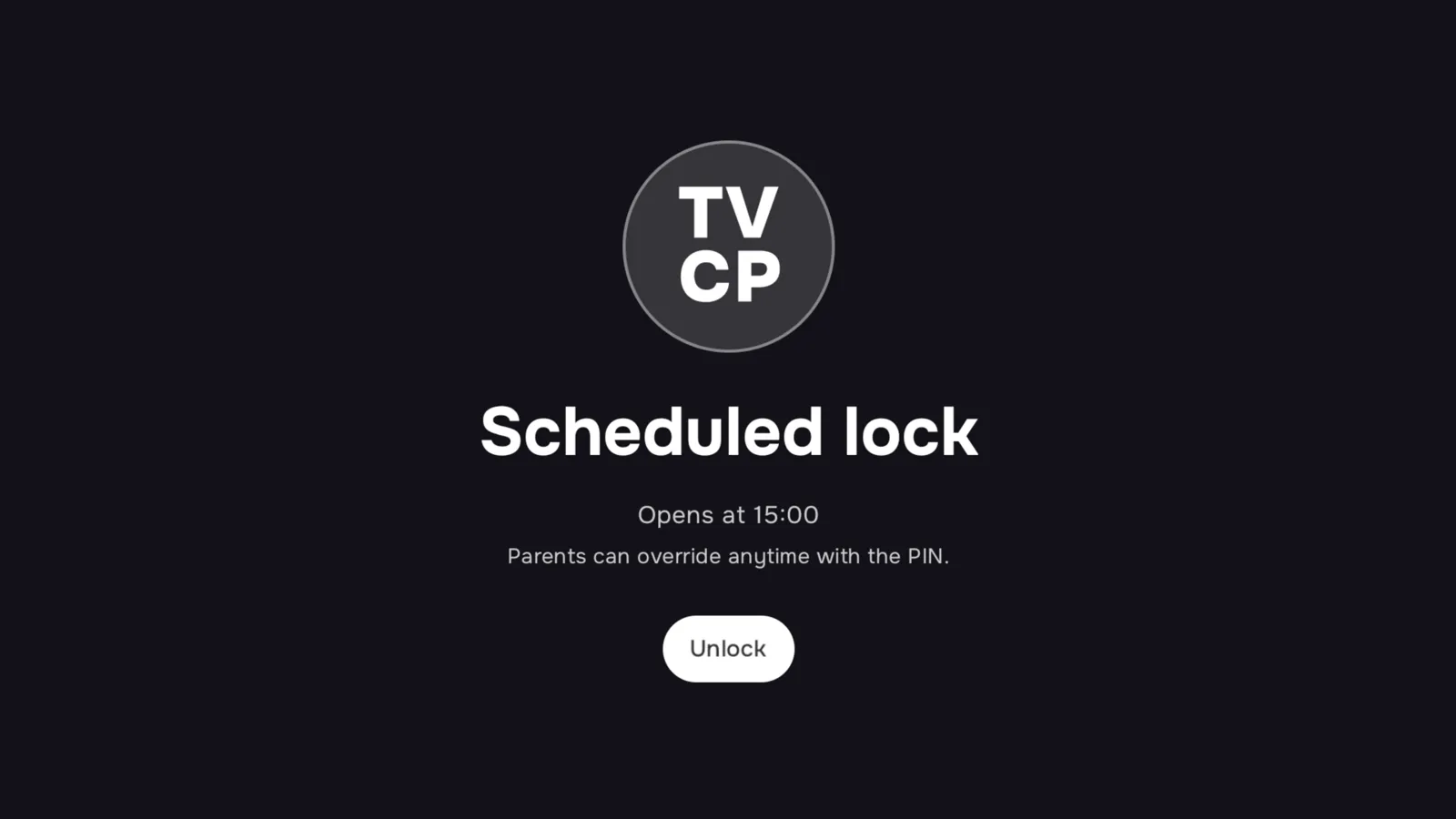
A scheduled lock shows when the TV opens again -
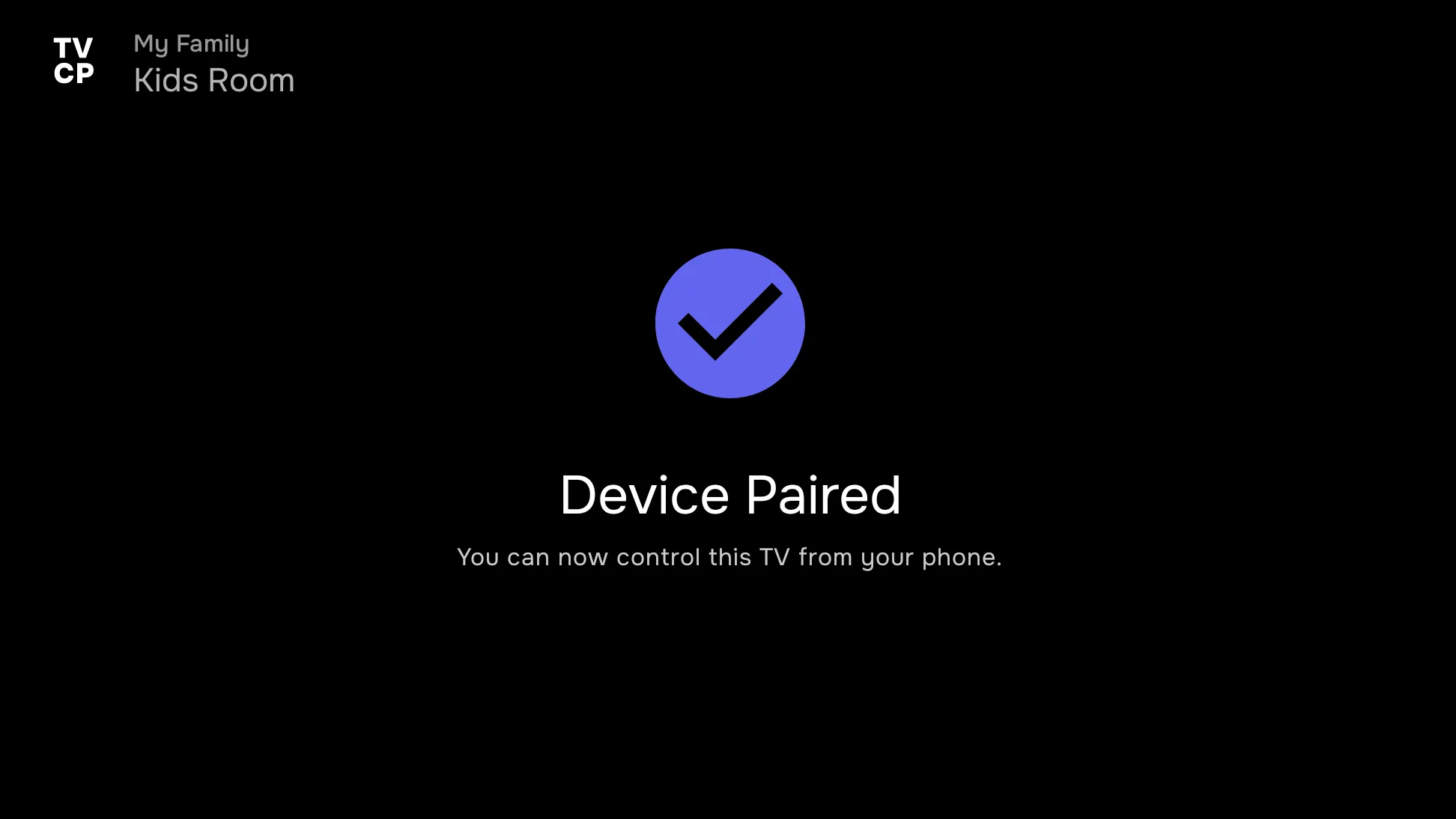
Paired with the parent’s phone
On the parent’s phone: TVCP Guardian
-
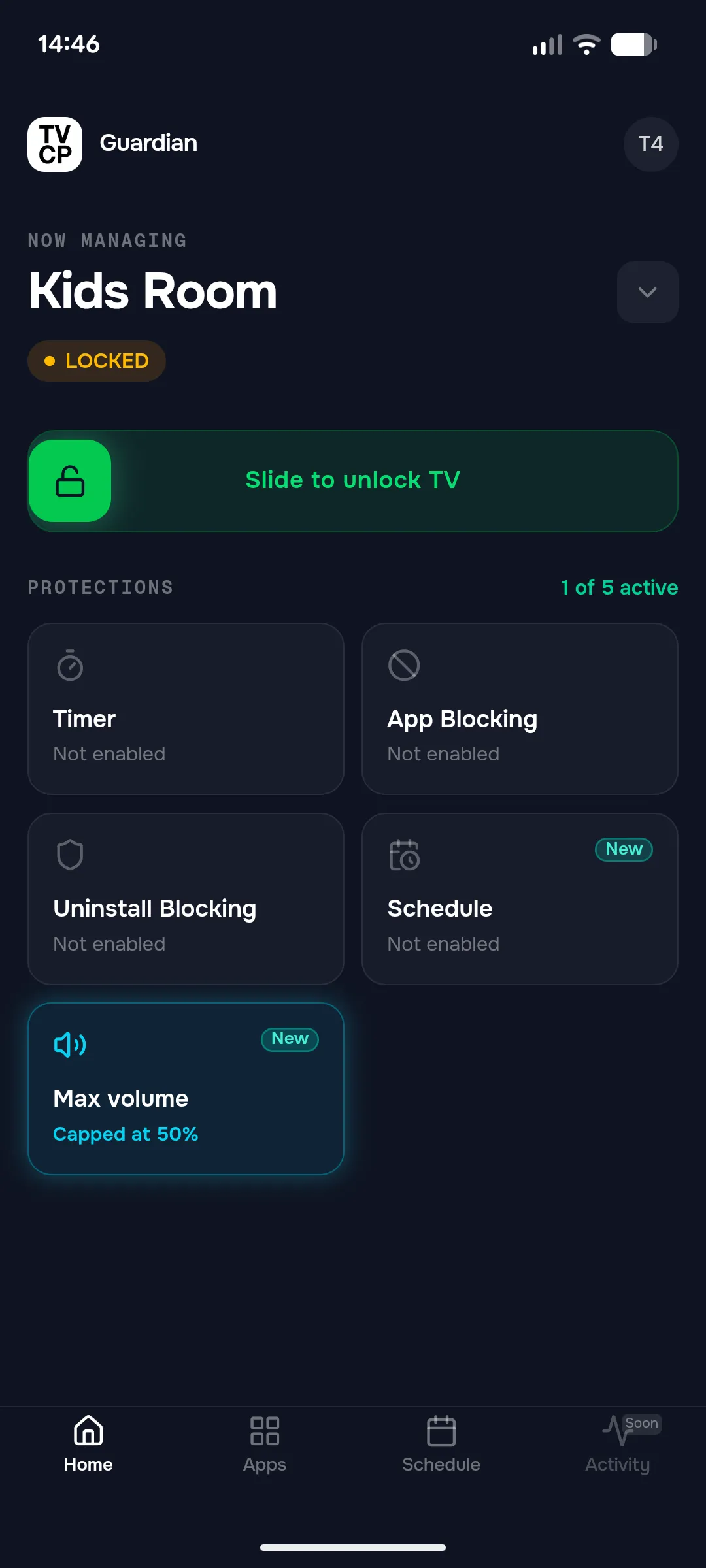
One TV at a glance -
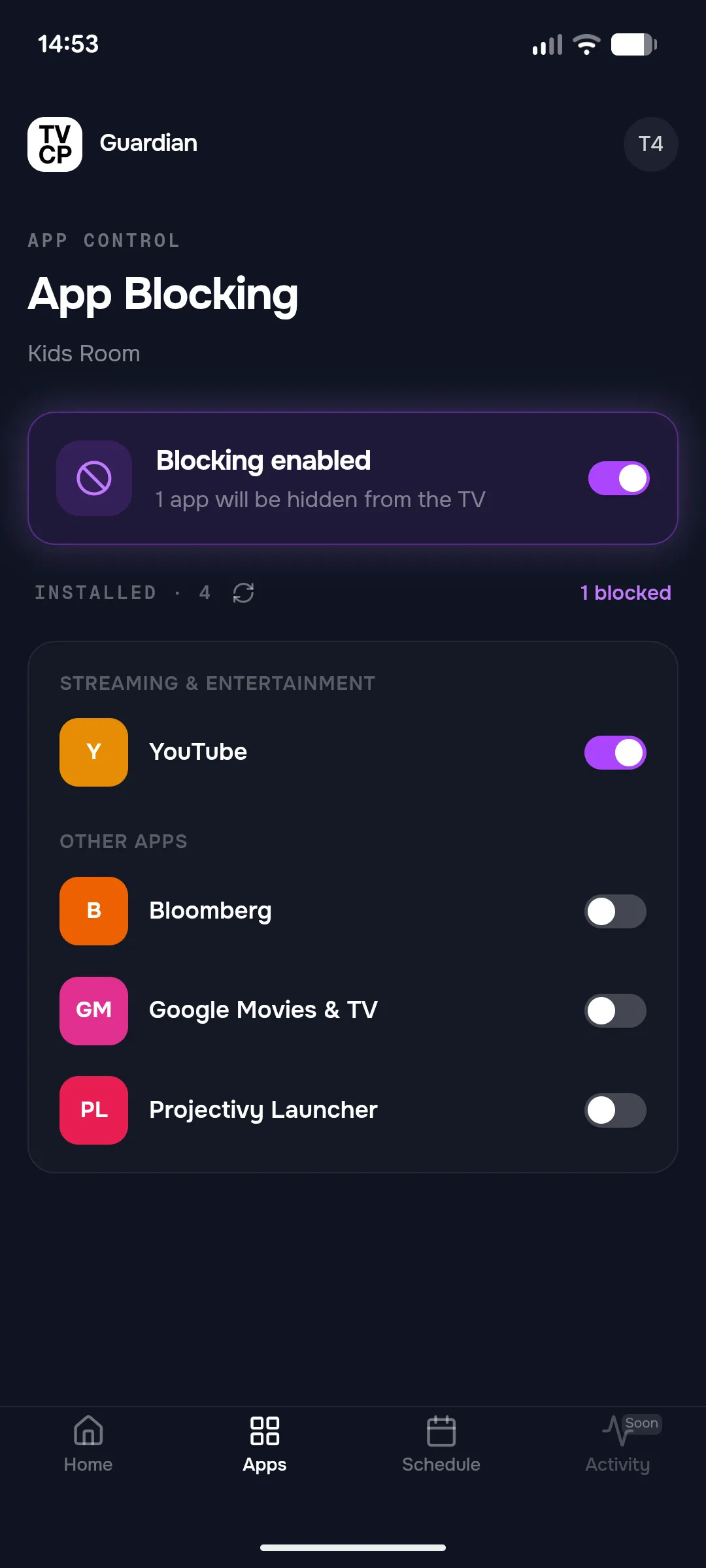
Block the apps you choose -
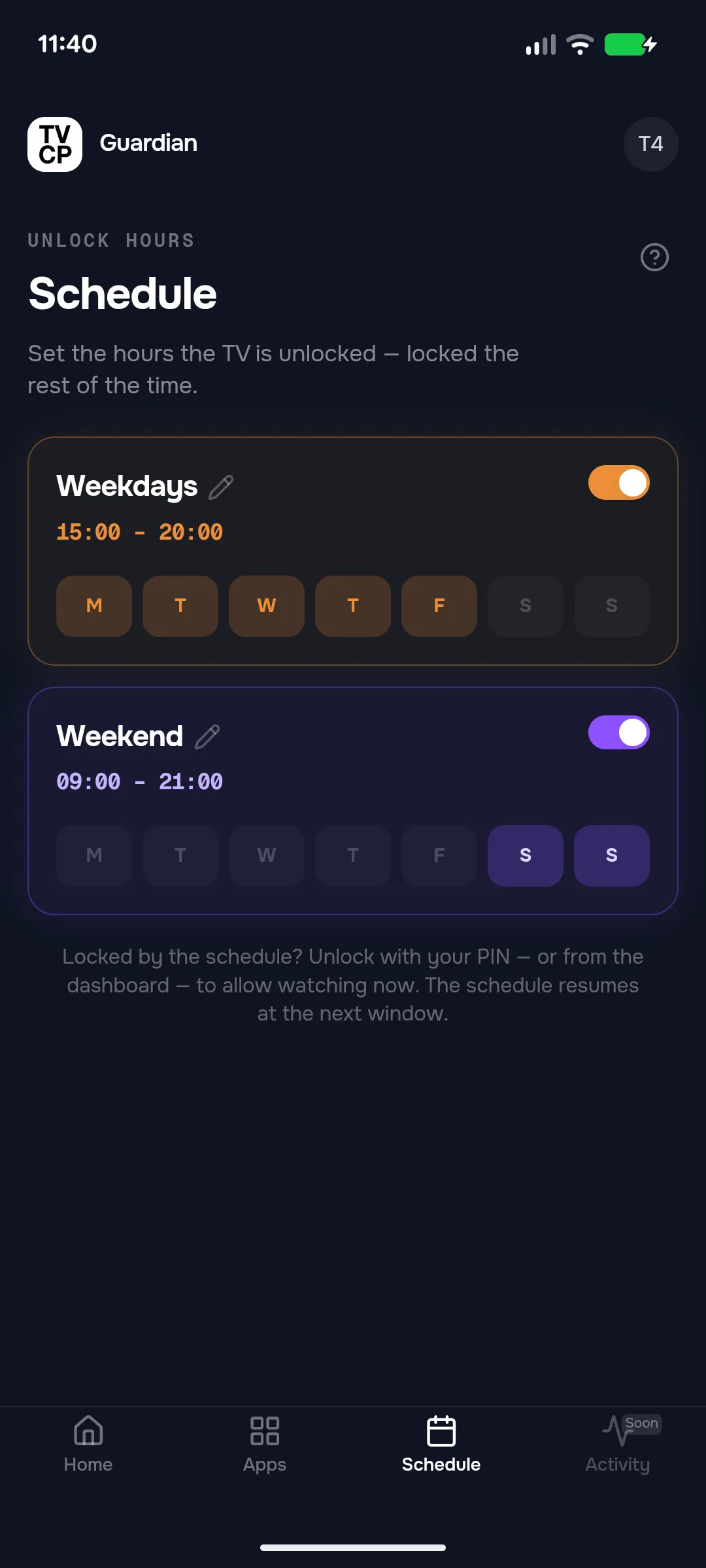
Hours for weekdays and weekends -
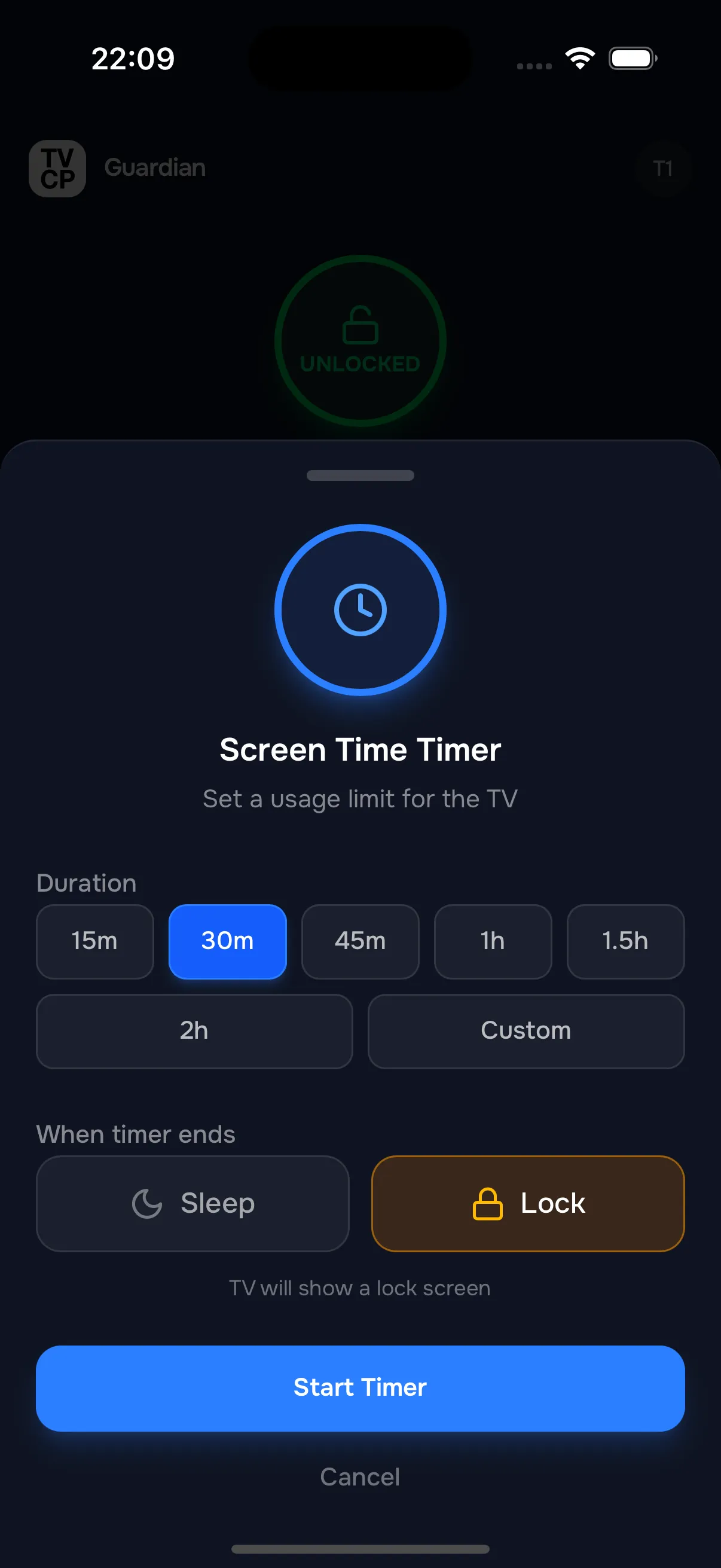
A screen-time timer
The story
We’re parents too, and we know the “one more episode” moment. We built TVCP so the TV keeps the rule instead of the parent: when time is up, the timer ends it, not you.
It is two apps that work together. One lives on the TV and keeps the rules. The other, TVCP Guardian, is on the parent’s phone, where you set them. You pair the two once, by scanning a code on the TV.
We started on the TV app in the summer of 2025. TVCP Guardian came to iPhone in April 2026, and tvcp.app now has help in eight languages.
What we’re doing now
Next on tvcp.app’s list are activity reports and a view of what’s playing. We’re also making setup simpler, and writing more help for parents in every language the site speaks.